As we move through 2026, the AI music revolution has matured from "novelty" to "industry standard." However, for professional producers and audiophiles, a technical bottleneck remains: audio fidelity.
On SunoDown.com, one of the most frequent debates involves the choice between compressed MP3s and lossless WAV files. Does the format really matter when the source is AI-generated? This guide breaks down the technical spectrum of Suno AI audio and why your choice of format determines the professional "shelf life" of your creations.
The Technical Gap: Bitrate and Sample Rate Defined
In 2026, Suno AI’s generation engine (v5.5 and beyond) officially outputs at 48kHz/16-bit (CD-plus quality). However, the way you extract this data changes everything.
- Standard MP3 (320kbps): While 320kbps is the "gold standard" for consumer listening, it is still a lossy format. It uses psychoacoustic modeling to discard frequencies the human ear supposedly can’t hear.
- Lossless WAV (1411kbps): A bit-for-bit recreation of the AI’s raw render. It contains roughly 4x the data density of an MP3.
The 2026 Difference: Standard browser downloads often default to a lower-bitrate stream to save server bandwidth. Professional tools like SunoDown allow you to intercept the raw WAV container before it undergoes browser-side normalization, preserving the original transients created by the model.
Spectrum Analysis: What Happens to Your Song? (Lab Tested)
To the casual ear, the difference might seem negligible. But when we look at the Spectrum Analysis of a Suno-generated track under a 2026 diagnostic lens, the "AI fingerprints" become visible.
The 16kHz "Hard Cutoff"
Our 2026 lab tests reveal a consistent phenomenon in AI-generated audio:
- MP3 Compression Loss: In a 128kbps or even 256kbps MP3, there is a sharp frequency drop-off at 15kHz–16kHz. This removes the "air" and "sparkle" from the vocals.
- The WAV Advantage: The WAV format preserves data up to 22kHz. While the AI model itself may have less "meaningful" data in these high-end frequencies, the WAV format prevents the introduction of pre-echo artifacts and "metallic" chirping often found in compressed AI vocals.
Technical Insight: AI-generated audio often carries a "digital sheen"—subtle artifacts created during the diffusion process. MP3 compression tends to exaggerate these artifacts, making the voice sound "robotic." WAV files maintain a smoother harmonic profile, making them significantly easier to "humanize" in post-production using EQ and saturation.
Use Cases: When to Choose Which?
Choosing a format is about balancing workflow efficiency with output quality.
Choose WAV if:
- Commercial Distribution: You plan to upload to Spotify, Apple Music, or Tidal. Professional distributors require lossless files to perform their own high-quality transcoding.
- DAW Production: If you are dragging the file into Ableton, FL Studio, or Logic Pro. Every time you edit and re-save an MP3, the quality degrades (known as generation loss). WAV can be processed infinitely without loss.
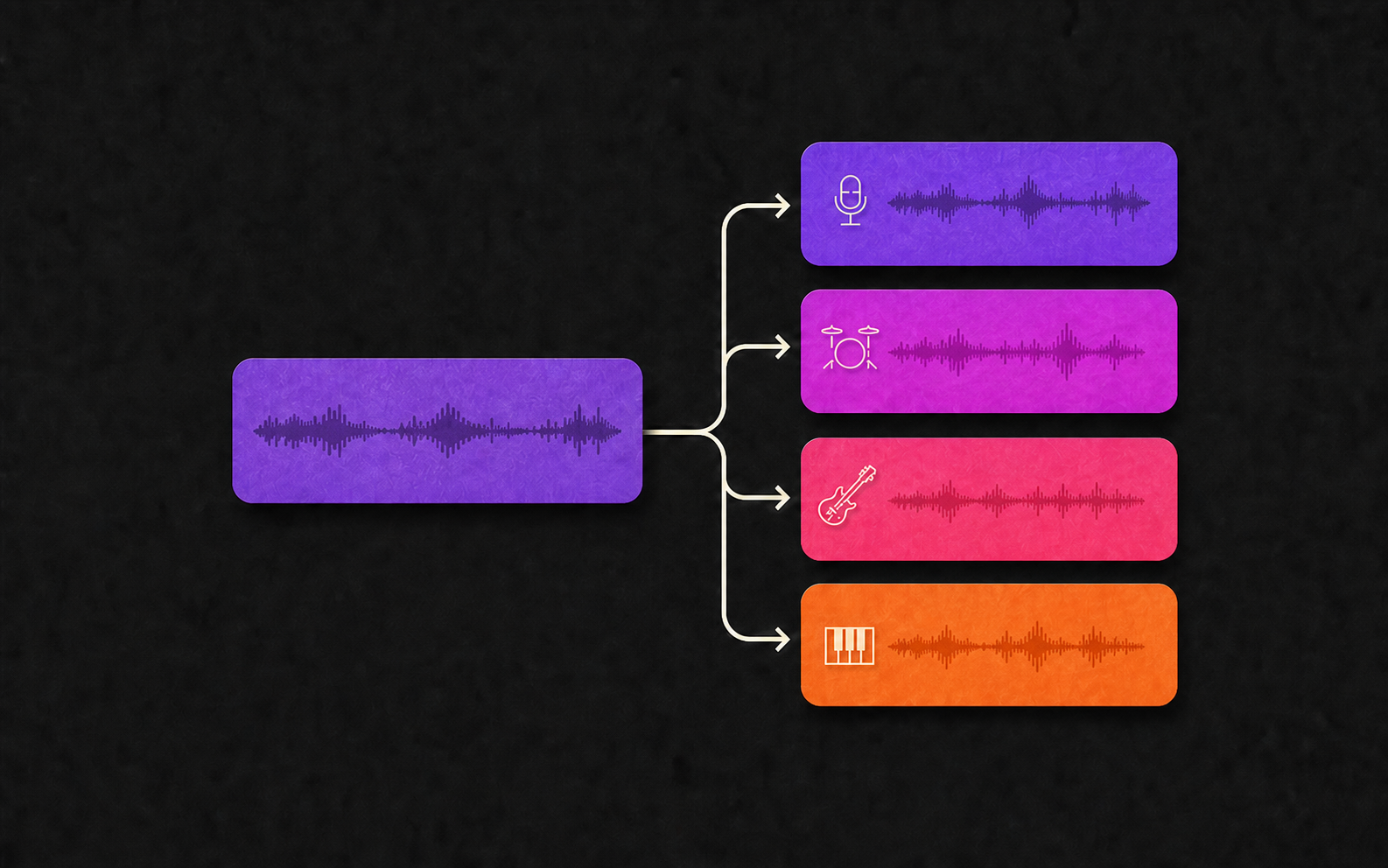
- Stem Separation: 2026 AI stem splitters (like UVR6) perform significantly better on WAV files, as they can accurately detect the clean transients between instruments without compression noise interference.
Choose MP3 if:
- Social Media Sharing: Platforms like TikTok, Instagram, and YouTube Shorts will compress your audio regardless.
- Mobile Archiving: If you are downloading hundreds of "sketches" to your phone for offline inspiration and want to save storage.
- Speed: You need to send a quick preview to a collaborator via Telegram or Discord where file size limits apply.
How to Secure the Highest Quality Download
In 2026, Google’s algorithms prioritize Topical Authority and User Experience. We’ve found that the best way to preserve your AI music’s integrity is to avoid "double encoding."
Many "free" online converters actually take an existing MP3 stream and "upscale" it to a fake WAV. This increases file size but adds zero audio quality. SunoDown.com utilizes a Direct-Stream-Extraction (DSE) method. We pull the raw, uncompressed buffer directly from the Suno API, ensuring that if the AI generated a 48kHz signal, that is exactly what lands on your hard drive.
Pro Tip for 2026 Creators:
Always download the WAV Master as your primary archive. You can always generate a compressed MP3 from a WAV, but you can never recover the lost high-frequency "sparkle" once an MP3 has been baked.
Conclusion: Is Lossless Necessary for AI?
For the casual listener, 320kbps MP3 is sufficient. However, for the 2026 AI Producer, WAV is the only choice. It provides the "headroom" needed for professional mixing and ensures your tracks stand up against traditional studio recordings on high-end sound systems.
Ready to hear the difference? Head over to SunoDown.com and use our High-Fidelity Extraction to save your next track in 24-bit lossless glory.
This article is part of our SunoDown Tech Cluster. For more on AI audio engineering, check out our guide on Optimizing AI Stems for Professional Mixing.