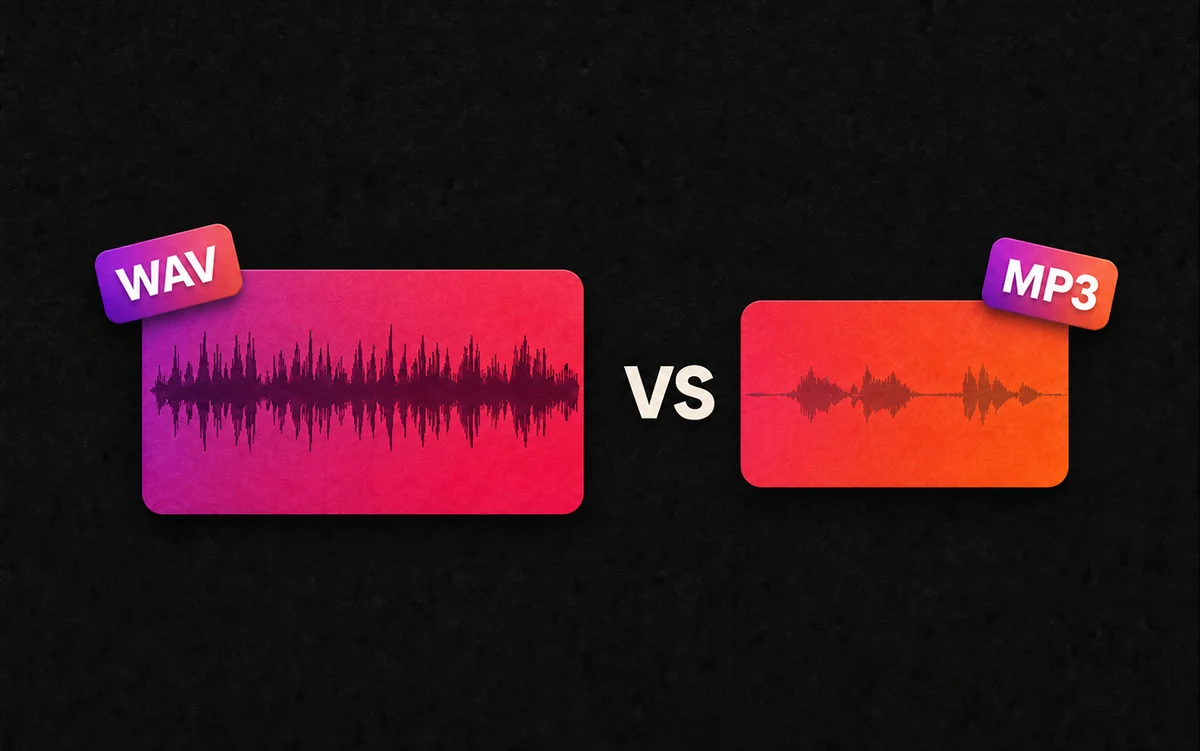
By mid-2026, the AI music landscape has matured into a duopoly. Suno AI and Udio have moved beyond being "toy" generators; they are now legitimate tools in the modern producer's arsenal. However, for a producer, the most important feature isn't just how a song sounds on the platform—it's how that song comes off the platform and into a DAW (Digital Audio Workstation).
If you are deciding which subscription to commit to, the decision often hinges on export flexibility. Does the platform give you raw, high-fidelity files, or are you stuck with compressed renders? In this guide, we compare the export capabilities of Suno v5 and Udio v2 to see which serves the professional workflow better.
The 2026 AI Music Duopoly: Suno vs. Udio
In 2026, the positioning of these two giants has become crystal clear:
- Suno AI: The "Efficiency King." With its v5 model and Suno Studio integration, it targets rapid song creation, multilingual mastery, and massive genre versatility. It is the platform for creators who need finished, polished tracks at scale.
- Udio: The "Audiophile’s Choice." Founded by former Spotify AI researchers, Udio focuses on vocal realism and indie-studio textures. It is often preferred by producers who use AI as a high-end "session singer" or "demo vocalist" rather than a total song replacement.
For a producer, the "Export" button is the bridge between these AI "black boxes" and their final master.
Audio Quality Face-off: Bitrates & Formats
The first hurdle in production is sample rate and bit depth. You cannot fix a heavily compressed file in post-production. Here is how the two compare in 2026:
Comparison Table: Export Specifications
| Feature | Suno AI (Premier 2026) | Udio (Pro 2026) |
|---|---|---|
| Standard Export | 320kbps MP3 (44.1kHz) | 320kbps MP3 (44.1kHz) |
| High-Fidelity Export | 48kHz WAV (Pro/Premier) | 48kHz / 96kHz WAV (Pro) |
| Bit Depth | 24-bit | 24-bit / 32-bit float |
| Stereo Width | Optimized Wide Stereo | True Mid-Side Processing |
The Verdict on Raw Audio: Udio currently leads in raw technical specs. Their 2026 update allows for 96kHz WAV exports, which is the gold standard for high-end cinematic and orchestral production. While Suno's 48kHz WAV is perfectly sufficient for 99% of pop and electronic music, Udio provides that extra "headroom" that professional mixing engineers crave.
Ease of Use: Native Export vs. Third-Party Tools
While both platforms have official download buttons, the user experience of getting those files varies wildly.
Native Export Limitations
Both Suno and Udio have a "Batch Download" problem. If you generate 50 iterations of a chorus, both platforms make you click "Download" 50 times. This is where the workflow breaks down for professional producers who generate hundreds of "sketches" daily.
The SunoDown Advantage
This is why many producers rely on SunoDown.com. While Udio's interface remains somewhat "closed," Suno’s ecosystem allows tools like SunoDown to provide a Bulk Download experience that the native app lacks.
- Suno: Fast, but requires third-party tools for high-volume management.
- Udio: Slower, "boutique" feel, with no reliable third-party batch downloaders due to their proprietary player encryption.
Stem Separation Capabilities Compared
In 2026, "Stems" (separating the vocals, drums, bass, and instruments) are the most important feature for a DAW-based producer. You don't want the whole song; you just want that one perfect AI-generated vocal or that unique synth bassline.
Suno AI Stems (v5 implementation)
Suno’s 2026 stem separation is arguably the best in the industry. Because Suno uses a Generative Stem approach (the AI creates the stems as it builds the song), the separation is incredibly clean with almost zero "bleed" (e.g., no drum snare sounds leaking into the vocal track).
Udio Stem Separation
Udio uses a Post-Processing Stem approach. While the quality of their overall mix is higher, the separation can occasionally feel "smeary." If you solo the vocals on a Udio stem, you might still hear faint "ghosts" of the reverb from the original instrumental.
Winner for Producers: Suno AI. If you plan to remix, mashup, or drop AI vocals over your own beats, Suno’s stems are more "workable" in a professional mix.
The Verdict: Which Platform Gives You More Freedom?
Choosing your 2026 AI music partner comes down to your end goal:
- Choose Udio if: You are a "purist" producer. You want the highest possible bitrates (96kHz) and the most realistic vocal textures, and you don't mind a slightly slower, more manual download process.
- Choose Suno AI if: You are a "hybrid" producer. You value speed, clean stem separation, and a massive library. By pairing Suno AI with SunoDown.com, you gain a "Batch Workflow" that is currently unmatched by Udio.
Conclusion
While Udio wins on raw format specs, Suno wins on production utility. For the modern producer who needs to move fast, extract stems, and organize a massive library of AI ideas, Suno AI remains the superior choice in 2026.
Ready to supercharge your Suno workflow? Don't let manual downloads slow your creativity. Use SunoDown.com to batch-save your 2026 masterpieces in high-quality MP3 and WAV today.